By Sheru Bhai Studio · Updated
Sheru Bhai video: bring a photo to life
Start with a finished picture, then describe a small movement. These three examples show how to write a short image-to-video prompt.
Watch the five-second example below, then try the motion prompts. Signed-in visitors can render a 5- or 10-second clip in the on-site studio with credits.
From a still portrait to a short clip
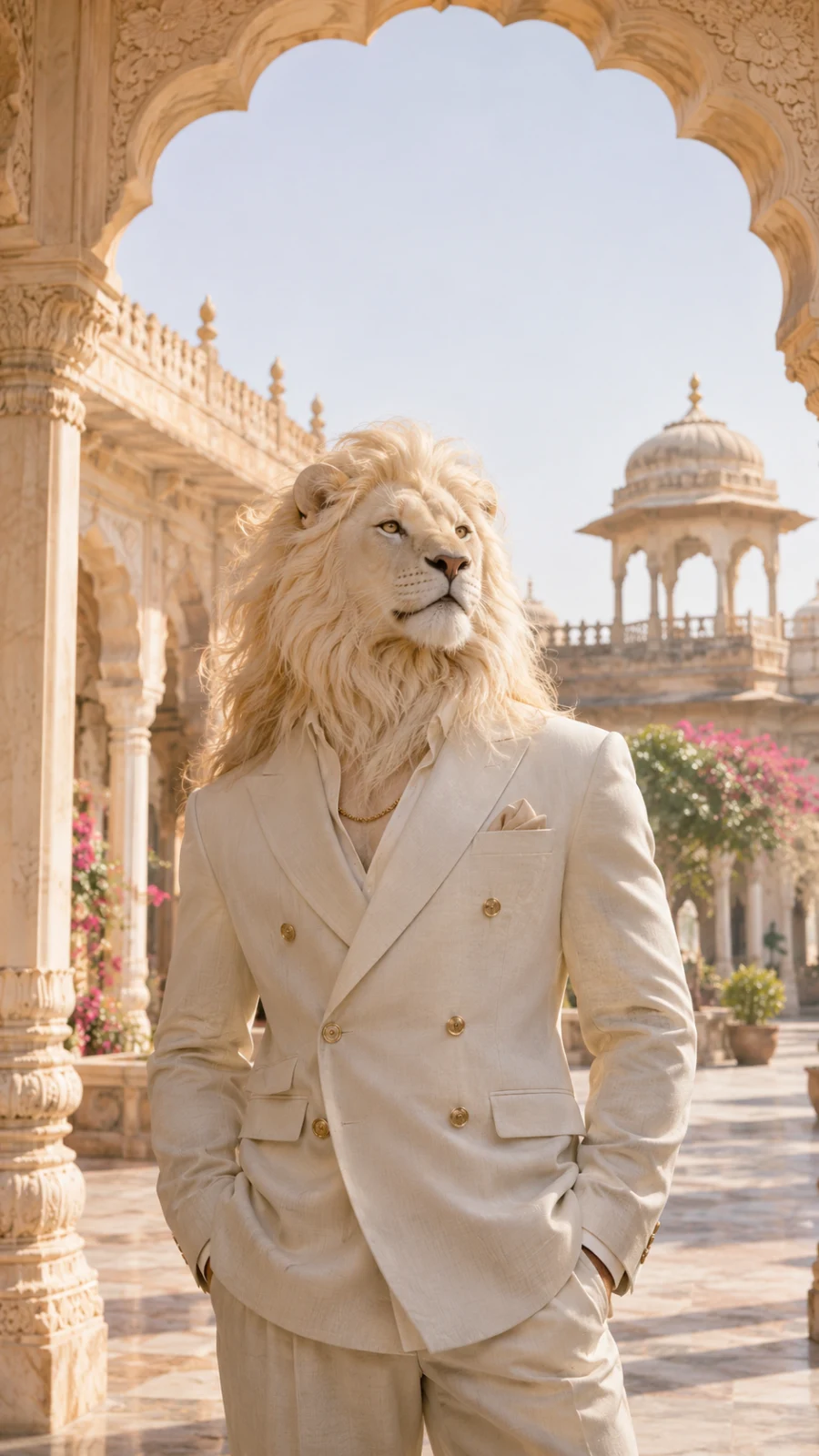
A slow portrait reveal
A gentle camera move works well when the source picture is already strong.
Animate this reference photo as a five-second vertical 9:16 shot. Slowly move the camera closer to the white lion in the ivory suit. Keep the same face, mane, suit and sandstone arches. Add a little natural movement to the mane and a single blink. Keep the lighting steady. No new people, text, logos or scene cuts.
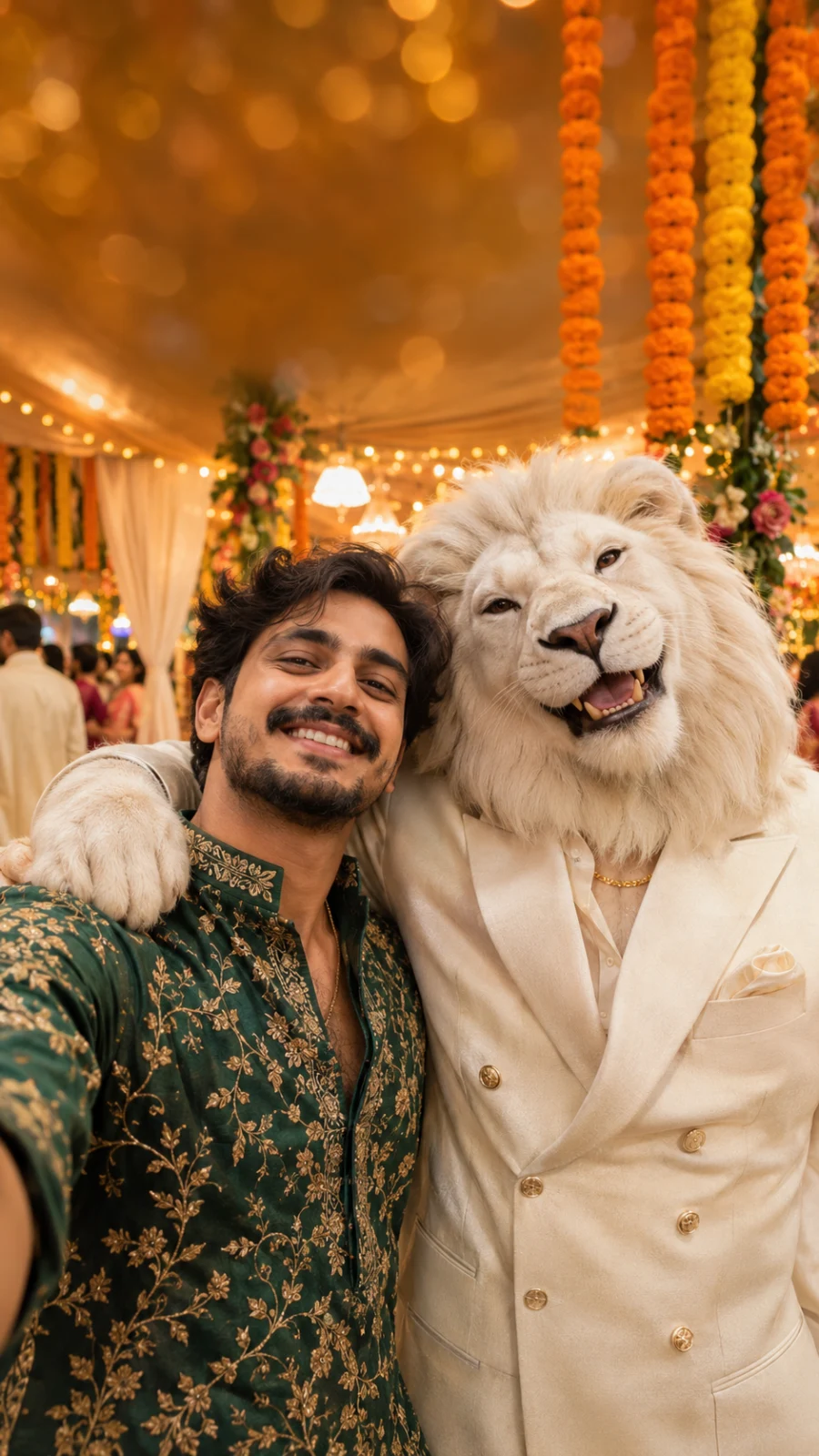
A living wedding selfie
Keep both faces in place. A small gesture is easier to review than a full dance.
Animate this wedding selfie as a five-second vertical 9:16 clip. Keep the man’s face and green kurta and the white lion’s face and ivory suit consistent with the reference. Let them smile naturally as the camera makes a very small handheld movement. The marigolds and warm lights stay in the background. No extra hands, speaking, captions or cuts.

Blue hour on the terrace
Use the empty sky and distant lights to keep the motion calm.
Turn this reference photo into a five-second vertical 9:16 clip. The white lion in the navy suit stands quietly on the palace terrace, then makes a slight head turn. A breeze gently moves the mane. Keep the sandstone railing, blue sky and distant warm lights in their original positions. Keep the camera nearly still. No captions, logos, dialogue or scene changes.
Keep the first attempt simple
If a face changes, reduce the head movement and keep the camera steady. If a hand looks wrong, remove the gesture instead of adding more instructions. Make one change at a time so you can see what helped.
For speech or lip sync, first check whether your chosen model supports audio. A silent camera move is a useful starting point; adding a spoken line needs a separate review.